批量渲染
你可能已经注意到在玩游戏时输入感觉有点慢。让我们添加一个 FPS 计数器来看看我们的渲染速度如何。如果你不熟悉 FPS 这个术语,它代表每秒帧数(Frames Per Second),我们的目标是达到 60FPS。
FPS 计数器
让我们从添加 FPS 计数器开始,这包含两个部分:
- 获取或计算 FPS 值
- 在屏幕上渲染这个值
现在,
- 幸运的是,ggez提供了获取FPS的方法 - 参见这里。
- 我们已经在渲染系统中实现了文本渲染功能,只需将FPS显示出来即可。
让我们把这些整合到代码中。
#![allow(unused)]
fn main() {
// rendering.rs
pub fn run_rendering(world: &World, context: &mut Context) {
    // Clearing the screen (this gives us the background colour)
    let mut canvas =
        graphics::Canvas::from_frame(context, graphics::Color::from([0.95, 0.95, 0.95, 1.0]));

    /// Code omitted
    /// .....
    /// .....

    // Render FPS
    let fps = format!("FPS: {:.0}", context.time.fps());
    draw_text(&mut canvas, &fps, 525.0, 120.0);

    /// Code omitted
    /// .....
    /// .....

    // Finally, present the canvas, this will actually display everything
    // on the screen.
    canvas.finish(context).expect("expected to present");
}
}
运行游戏并用按键移动一下,你会发现FPS从预期的60明显下降。在我的机器上,FPS大约在20-30之间,但根据你的设备,可能会有所不同。
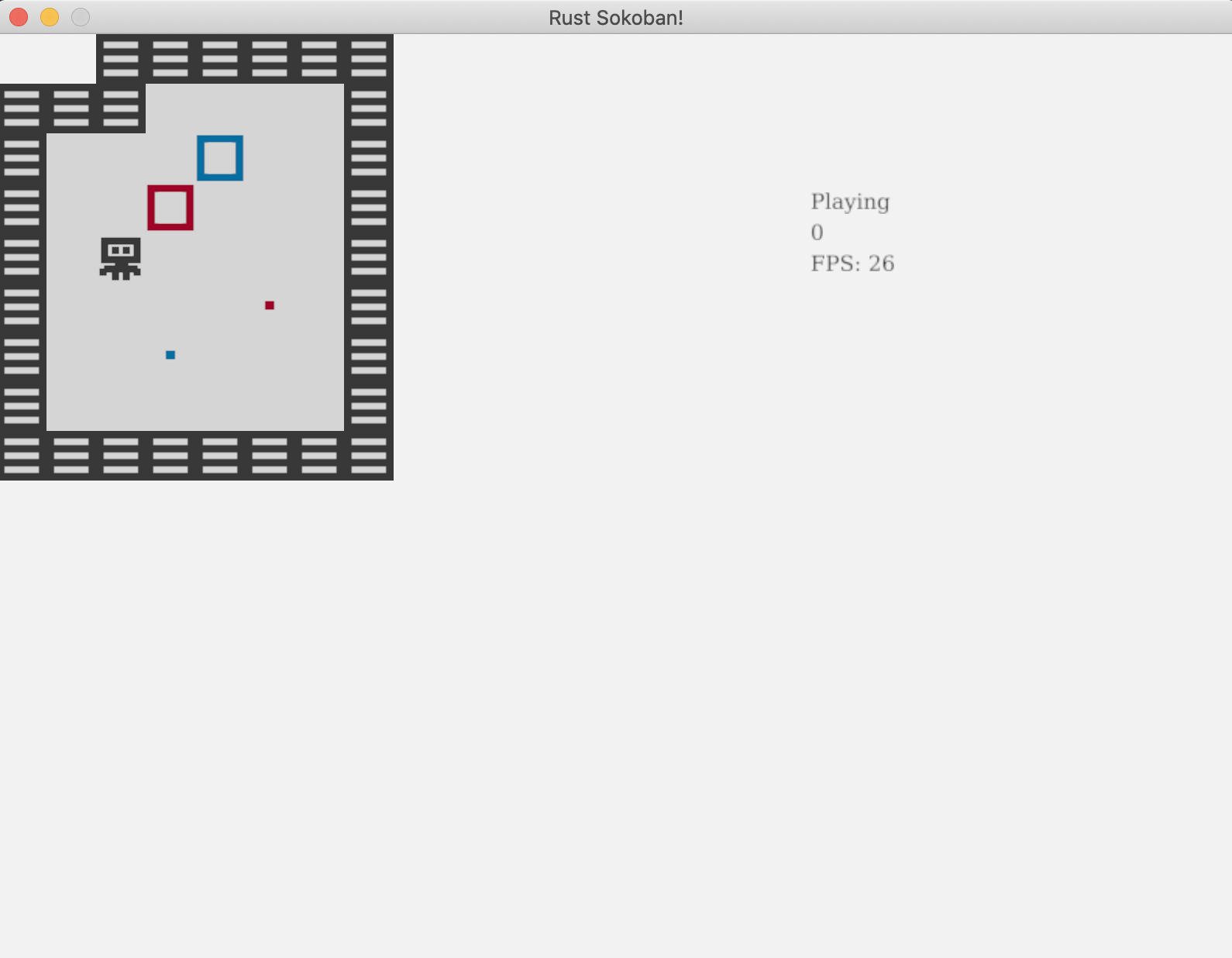
是什么导致了 FPS 下降?
你可能会问,是什么导致FPS这么低?我们的游戏逻辑并不复杂,输入和移动处理也不难,实体和组件数量也不多,不至于造成如此大的FPS下降。要理解这个问题,我们需要深入分析当前渲染系统的工作原理。
目前,对于每个可渲染的实体,我们都会确定要渲染的图像并渲染它。这意味着如果有20个地板图块,我们会加载地板图像20次,并发出20次单独的渲染调用。这种做法开销太大,正是导致FPS大幅下降的原因。
如何解决这个问题?我们可以使用一种称为批量渲染的技术。通过这种技术,我们只需加载图像一次,并告诉ggez在所有需要渲染的20个位置渲染它。这样不仅图像只加载一次,而且每种图像只需调用一次渲染,这将显著提升性能。顺便提一下,有些引擎会自动处理这种批量渲染,但ggez不会,所以我们需要手动优化。
批量渲染实现
以下是我们实现批量渲染需要做的事情:
- 对于每个可渲染实体,确定我们需要渲染的图像和 DrawParams(这是我们目前给 ggez 的渲染位置指示)
- 将所有(图像,DrawParams)保存为一个方便的格式
- 按照 z 轴排序遍历(图像,DrawParams),每个图像只进行一次渲染调用
在深入渲染代码之前,我们需要进行一些集合的分组和排序操作,为此我们将使用itertools库。虽然我们可以自己实现分组功能,但没有必要重复造轮子。让我们将itertools添加为项目的依赖。
// Cargo.toml
[dependencies]
ggez = "0.9.3"
glam = { version = "0.24", features = ["mint"] }
hecs = "0.10.5"
itertools = "0.13.0"
我们也在渲染系统中导入它
#![allow(unused)]
fn main() {
// rendering.rs
use itertools::Itertools;
}
还记得我们在动画章节中编写的get_image函数吗?它用于确定每一帧所需的图像。我们可以复用这个函数,只需确保它不实际加载图像,而是返回图像的路径。
#![allow(unused)]
fn main() {
// rendering.rs
pub fn get_image(renderable: &Renderable, delta: Duration) -> String {
    let path_index = match renderable.kind() {
        RenderableKind::Static => {
            // We only have one image, so we just return that
            0
        }
        RenderableKind::Animated => {
            // If we have multiple, we want to select the right one based on the delta time.
            // First we get the delta in milliseconds, we % by 1000 to get the milliseconds
            // only and finally we divide by 250 to get a number between 0 and 4. If it's 4
            // we technically are on the next iteration of the loop (or on 0), but we will let
            // the renderable handle this logic of wrapping frames.
            ((delta.as_millis() % 1000) / 250) as usize
        }
    };

    renderable.path(path_index)
}
}
现在让我们确定批量数据的格式。我们将使用HashMap<u8, HashMap<String, Vec<DrawParam>>>,其中:
- 第一个键(
u8)是z值 - 记住我们需要按z值从高到低渲染,以确保正确的顺序(例如地板应该在玩家下方等)。 - 另一个值是
HashMap,其中第二个键(String)是图像的路径。 - 最后,值是
Vec<DrawParam>,表示需要渲染该图像的所有位置参数。
现在我们来编写代码,填充rendering_batches哈希表。
#![allow(unused)]
fn main() {
// rendering.rs
    let mut rendering_batches: HashMap<u8, HashMap<String, Vec<DrawParam>>> = HashMap::new();

    // Iterate each of the renderables, determine which image path should be rendered
    // at which drawparams, and then add that to the rendering_batches.
    for (_, (position, renderable)) in rendering_data.iter() {
        // Load the image
        let image_path = get_image(renderable, time.delta);
        let x = position.x as f32 * TILE_WIDTH;
        let y = position.y as f32 * TILE_WIDTH;
        let z = position.z;

        // draw
        let draw_param = DrawParam::new().dest(Vec2::new(x, y));
        rendering_batches
            .entry(z)
            .or_default()
            .entry(image_path)
            .or_default()
            .push(draw_param);
    }
}
最后,我们来实现批量渲染。之前使用的draw(image)函数不再适用,但幸运的是ggez提供了批量渲染API - SpriteBatch。另外注意这里的sorted_by,这是itertools提供的功能。
#![allow(unused)]
fn main() {
// rendering.rs
    // Iterate spritebatches ordered by z and actually render each of them
    for (_z, group) in rendering_batches
        .iter()
        .sorted_by(|a, b| Ord::cmp(&a.0, &b.0))
    {
        for (image_path, draw_params) in group {
            let image = Image::from_path(context, image_path).unwrap();
            let mut mesh_batch = graphics::InstanceArray::new(context, Some(image));

            for draw_param in draw_params.iter() {
                mesh_batch.push(*draw_param);
            }

            canvas.draw(&mesh_batch, graphics::DrawParam::new());
        }
    }
}
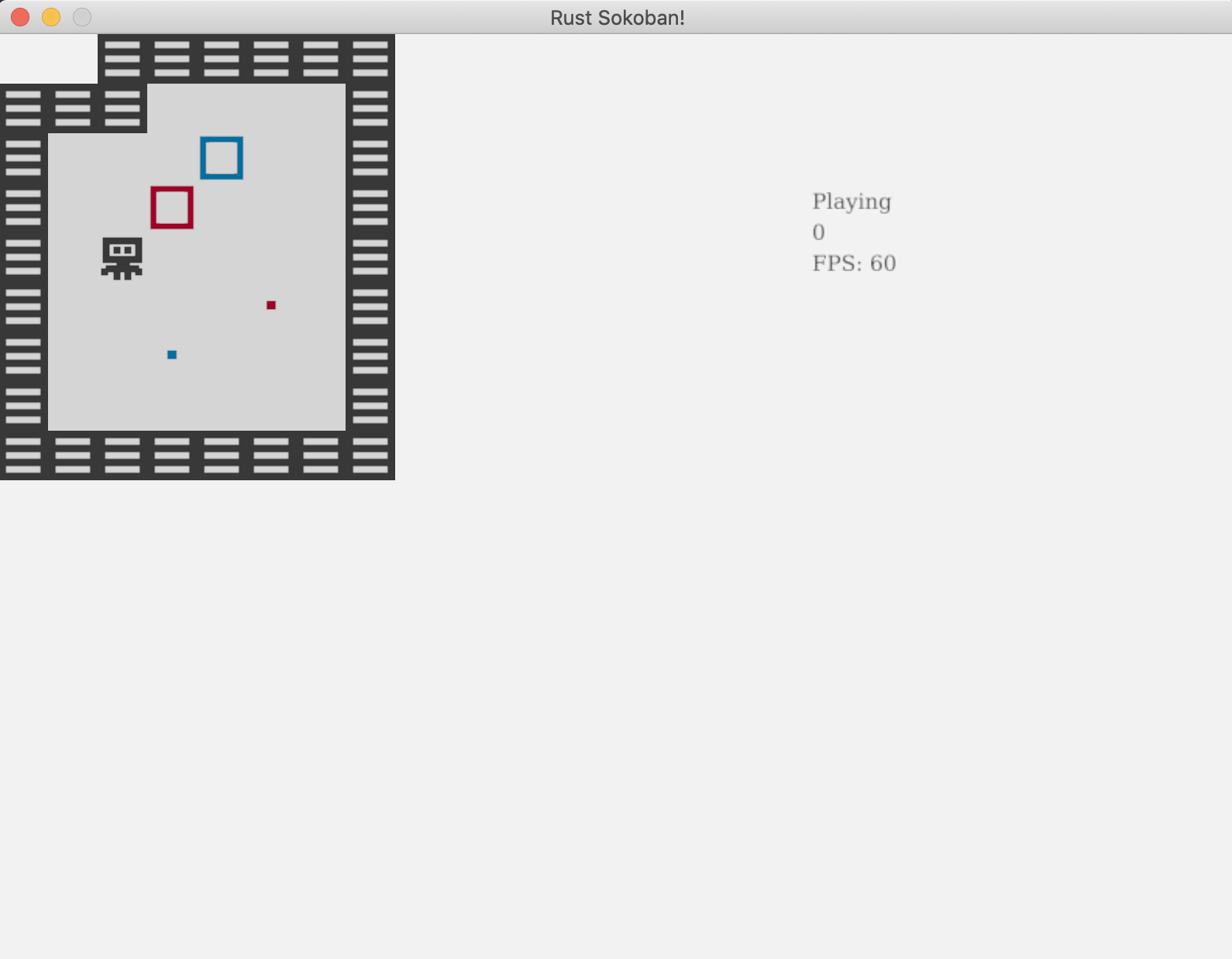
搞定!再次运行游戏,你应该会看到稳定的60FPS,操作也会更加流畅!
代码链接: 你可以在这里看到这个示例的完整代码。